Tech & Gadgets · September 9, 2026
Clean Desk Setup Essentials for a Calm, Minimalist Workspace
A clean desk setup is not about owning less for the sake of it. It is about choosing smart essentials that hide clutter, create breathing room, and make your workspace easier to use every day.

Top Picks at a Glance
| Product | Our take | Rating | Where to buy |
|---|---|---|---|
Kalibri Wooden Monitor Stand Kalibri | Editor's Pick | — | |
Yamagahome Cable Duct Desk Yamagahome | — | — | |
Aothia Dual Monitor Stand Aothia | — | — | |
FLEXISPOT Cable Management Tray FLEXISPOT | — | — | |
Amazon Basics Metal Mesh Desk Organizer Amazon Basics | — | — |
This post contains affiliate links — we may earn a commission. See full details ↓
A clean desk setup is not built by removing everything you own. It is built by choosing fewer, better things that quietly solve the problems that make a workspace feel chaotic: loose cables, scattered pens, awkward screens, and chargers everywhere. The minimalist goal is simple: keep what you use often, hide what you do not need to see, and create enough open space for your mind to settle.
Why a Clean Desk Setup Matters
A minimalist desk is not just an aesthetic choice. It can make your workday feel smoother because there are fewer small distractions competing for your attention.
When your monitor is at the right height, your cables are tucked away, and your essentials have a home, the desk starts to support your routine instead of interrupting it. Cleaning becomes easier too, because you are not constantly lifting tangled cords and random accessories.
The best clean desk upgrades are the ones you stop noticing because they simply make everything feel calmer.
A good setup usually starts with four essentials:
- A monitor or laptop stand to raise your screen and create storage underneath
- An under-desk cable tray to hide power strips, adapters, and excess cord length
- A compact desk organizer for pens, notes, and small items
- A simplified charging solution so you are not living with multiple bricks and cables
The strongest minimalist picks often do two jobs at once. A monitor stand that also creates storage, a cable tray that hides a power strip, or a charger that powers multiple devices can remove several visual distractions with one clean upgrade.
What to Look for Before You Buy
Before buying anything, take ten minutes to observe your desk as it is. Minimalism works best when it responds to your actual habits, not an idealized version of them.
Ask yourself:
- Which items do I reach for every day?
- Which cables are always visible?
- Do I need more vertical space, more hidden storage, or both?
- Is my desk style warmer and natural, or more black, metal, and modern?
- Am I trying to organize too many things instead of removing a few?
If your desk already feels crowded, avoid adding decorative storage just to contain clutter. Start with cable management and screen elevation first. These two changes usually create the biggest visual improvement with the least effort.
Buy for the mess you actually have, not the minimalist desk you saw online.
Clean Desk Setup Essentials: Honest Product Reviews
Kalibri Wooden Monitor Stand by Kalibri
The Kalibri Wooden Monitor Stand is a simple oak monitor riser designed for people who want their workspace to feel warm, calm, and natural. It can hold a monitor, laptop, printer, or notebook, while the open space underneath gives you a place to slide away a keyboard, planner, or small accessories.
This is a great example of a minimalist product that does not try too hard. It adds height, creates storage, and visually anchors the desk without introducing a lot of extra detail.
Best for: wood-and-black desk setups, home offices, and anyone who wants a softer alternative to metal stands.
What works well:
- Raises your screen to a more comfortable height
- Creates open storage underneath without drawers or visual heaviness
- Oak finish pairs nicely with black accessories, white walls, and neutral decor
- Simple shape keeps the desk looking quiet and intentional
What to consider:
- It may not offer adjustable height
- Open storage still needs discipline, or it can become a clutter shelf
- Wood tones may not match every desk perfectly
The Kalibri stand is best if you like a clean but not sterile workspace. It brings a little warmth to a tech-heavy desk, which is especially helpful if your setup includes a black monitor, keyboard, and mouse.
Minimalist tip: keep only one or two items under the stand. A keyboard and notebook look intentional; five random accessories look like clutter with a roof.
Yamagahome Cable Duct Desk by Yamagahome
If there is one upgrade that can instantly make a desk look cleaner, it is cable management. The Yamagahome Cable Duct Desk is an adjustable metal cable tray made to sit under the desk and hold power strips, chargers, and loose cables out of sight.
This is not the most glamorous desk accessory, but it may be one of the most useful. Minimalist setups often look good because the ugly parts are handled properly, and cables are usually the ugliest part of a modern workspace.
Best for: desks with visible power strips, standing desks, multi-device setups, and anyone tired of cable nests on the floor.
What works well:
- Hides power strips and adapters underneath the desk
- Adjustable design helps it fit different desk widths and layouts
- Metal construction feels more durable than flimsy plastic solutions
- Keeps the desktop clear without adding anything visible on top
What to consider:
- Installation may require measuring and mounting
- You may still need cable ties or sleeves for a fully polished look
- It is practical rather than beautiful, but that is the point
The Yamagahome tray is a strong pick if your desk looks tidy from above but chaotic underneath. Once the cables are lifted off the floor and gathered in one place, the whole workspace feels more finished.
If you only buy one thing for a cleaner setup, make it something that hides cables.
Aothia Dual Monitor Stand by Aothia
The Aothia Dual Monitor Stand is a wooden desk shelf that works especially well for larger workstations. It raises one or two monitors and creates a long storage zone underneath for notebooks, peripherals, small trays, or a compact keyboard.
What makes it especially useful for minimalist setups is the adjustable length and angle. Instead of forcing your desk to fit the product, the stand can adapt to your layout.
Best for: dual-monitor setups, wider desks, creative workstations, and people who want a desk shelf look.
What works well:
- Raises monitors for better viewing comfort
- Adjustable length and angle offer flexible placement
- Creates generous storage underneath
- Wooden finish adds warmth and structure to the desk
What to consider:
- Larger footprint than a single monitor riser
- Can encourage over-storage if you fill the entire space underneath
- May be more stand than you need for a compact laptop desk
The Aothia stand is ideal if your desk needs visual structure. A long shelf can make separate items feel connected, turning a monitor, speakers, notebook, and lamp into one cohesive arrangement.
To keep it minimal, treat the shelf like a display surface, not a dumping zone. Leave at least one-third of it empty if you can.
FLEXISPOT Cable Management Tray by FLEXISPOT
The FLEXISPOT Cable Management Tray is a straightforward under-desk solution for routing chargers, adapters, and power strips out of sight. It is especially practical if you use a standing desk or have several devices that need power throughout the day.
Unlike desktop organizers, a cable tray improves the setup without taking up any visible surface area. That makes it very aligned with minimalist thinking: solve the problem, then disappear.
Best for: standing desks, work-from-home setups, and anyone who wants a clean look without adding more objects to the desktop.
What works well:
- Keeps cords off the floor and away from your feet
- Helps power strips and charging bricks stay hidden
- Reduces visual clutter without occupying desk space
- Pairs well with cable sleeves, clips, and Velcro ties
What to consider:
- Not all desks are equally easy to mount accessories under
- Cable organization still takes a little planning
- You may need to unplug and reroute everything during setup
The FLEXISPOT tray is a sensible, no-drama choice. It is not the accessory people will compliment first, but it is the one that makes the entire setup feel cleaner every single day.
Quick setup tip: mount your power strip inside the tray, then run one main cord down to the wall. This creates a much cleaner look than having several cords traveling in different directions.
Amazon Basics Metal Desk Organizer by Amazon Basics
The Amazon Basics Metal Desk Organizer is a compact mesh organizer with compartments for pens, notes, sticky pads, and small desk items. It is not fancy, but it is useful, affordable, and visually simple.
For minimalists, the key is to avoid turning an organizer into permission to keep everything. A small organizer should contain daily-use items only, not become a miniature junk drawer.
Best for: budget-conscious setups, students, home offices, and anyone who needs a simple place for small essentials.
What works well:
- Keeps pens, notes, and accessories contained
- Compact footprint works on smaller desks
- Metal mesh design is simple and functional
- Easy to see what you have, which prevents overbuying
What to consider:
- Mesh has a more utilitarian look than wood, felt, or aluminum
- Visible compartments can still look busy if overfilled
- Not ideal if you prefer hidden storage
This organizer is a smart value pick because it solves a common problem without asking for much space or money. It works best when paired with a clear rule: if it does not fit neatly inside, it does not belong on the desk.
Other Minimalist Upgrades Worth Considering
Once the basics are handled, you can refine your setup with a few carefully chosen tech accessories. The goal is not to add more, but to replace several messy items with one better solution.
A 3-in-1 charging stand, for example, can replace separate phone, watch, and earbud chargers. Premium options like the Twelve South HiRise 3 Deluxe are especially appealing for Apple users because they reduce multiple cords into one compact vertical station.
If you use a tablet heavily, a multifunctional stand like the PITAKA MagEZ Adjustable Stand can combine screen positioning with wireless charging. It is a more premium choice, but the value improves if it replaces both a stand and a charger.
For a full reset, bundled kits such as minimalist desk starter sets can be helpful. They often include a laptop stand, cable clips, a sleeve, an organizer tray, and a desk mat in one cohesive style. The tradeoff is that bundles are less flexible than choosing each piece yourself.
Practical Tips for Keeping Your Desk Clean
A clean desk is less about a one-time makeover and more about small repeatable habits. The right products help, but the routine keeps the setup working.
Try these simple rules:
- Use the one-cable rule: route as many cables as possible to one hidden power source
- Keep the center clear: leave the area directly in front of you open for focused work
- Create a charging zone: charge devices in one place instead of spreading cords around
- Limit desk items to daily use: if you do not touch it most days, store it elsewhere
- Use vertical space wisely: stands and shelves are better than spreading items outward
- Do a two-minute reset: clear cups, papers, and loose items at the end of each day
For small accessories, use a container limit. One organizer, one tray, or one drawer is enough for most people. When it fills up, edit the contents instead of buying another organizer.
Minimalism is not about having an empty desk. It is about having a desk where every object has a reason to be there.
A Simple Minimalist Desk Formula
If you are starting from scratch, here is a clean and practical formula:
- Start with an under-desk cable tray
- Add a monitor stand or desk shelf for height and storage
- Choose one compact organizer for small items
- Replace multiple chargers with one charging station where possible
- Keep decorative items limited to one personal object, like a plant or framed photo
This formula gives you function without visual overload. It also works across different budgets. You can choose premium wood, aluminum, and wireless charging pieces, or keep things simple with affordable metal and bamboo basics.
The most important part is consistency. A desk with five different materials and several competing storage pieces can feel busy, even if everything is technically organized. Choose a simple palette, such as oak and black, white and aluminum, or bamboo and warm neutrals.
Final Thoughts
A clean desk setup is not about creating a perfect showroom workspace. It is about making your everyday environment feel lighter, easier to maintain, and more supportive of the work you actually do.
Start with the least visible problems first: cables, chargers, and scattered essentials. Products like the Yamagahome Cable Duct Desk or FLEXISPOT Cable Management Tray can transform the feel of a setup without adding visual bulk. Then, add structure with a stand like the Kalibri Wooden Monitor Stand or Aothia Dual Monitor Stand.
Finally, give small items a clear home with something simple like the Amazon Basics Metal Desk Organizer. Keep it lightly filled, edit often, and let empty space be part of the design.
The best minimalist desk is not the one with the fewest objects. It is the one where everything earns its place.
Featured Products
Kalibri Wooden Monitor Stand
A simple oak monitor riser that adds storage space and helps keep the desk visually clean. It fits a monitor, laptop, printer, or notebook and matches a minimalist wood-and-black aesthetic.
Yamagahome Cable Duct Desk
An adjustable metal cable tray designed to hide power strips and cables under the desk. It is practical for reducing cable clutter while keeping a clean, understated setup.
Aothia Dual Monitor Stand
A wooden desk shelf that raises monitors and creates space underneath for notebooks, peripherals, or small organizers. The adjustable length and angle make it a flexible choice for a minimalist workspace.
FLEXISPOT Cable Management Tray
An under-desk cable tray that hides power strips and excess cords for a clean, minimalist workspace. Useful for standing desks and home office setups where cable clutter is the main problem.
Amazon Basics Metal Mesh Desk Organizer
A compact black metal-mesh desk organizer with a drawer, dual trays, and vertical file slots. Good for keeping everyday office items visible but tidy in a minimalist setup.
Related Articles
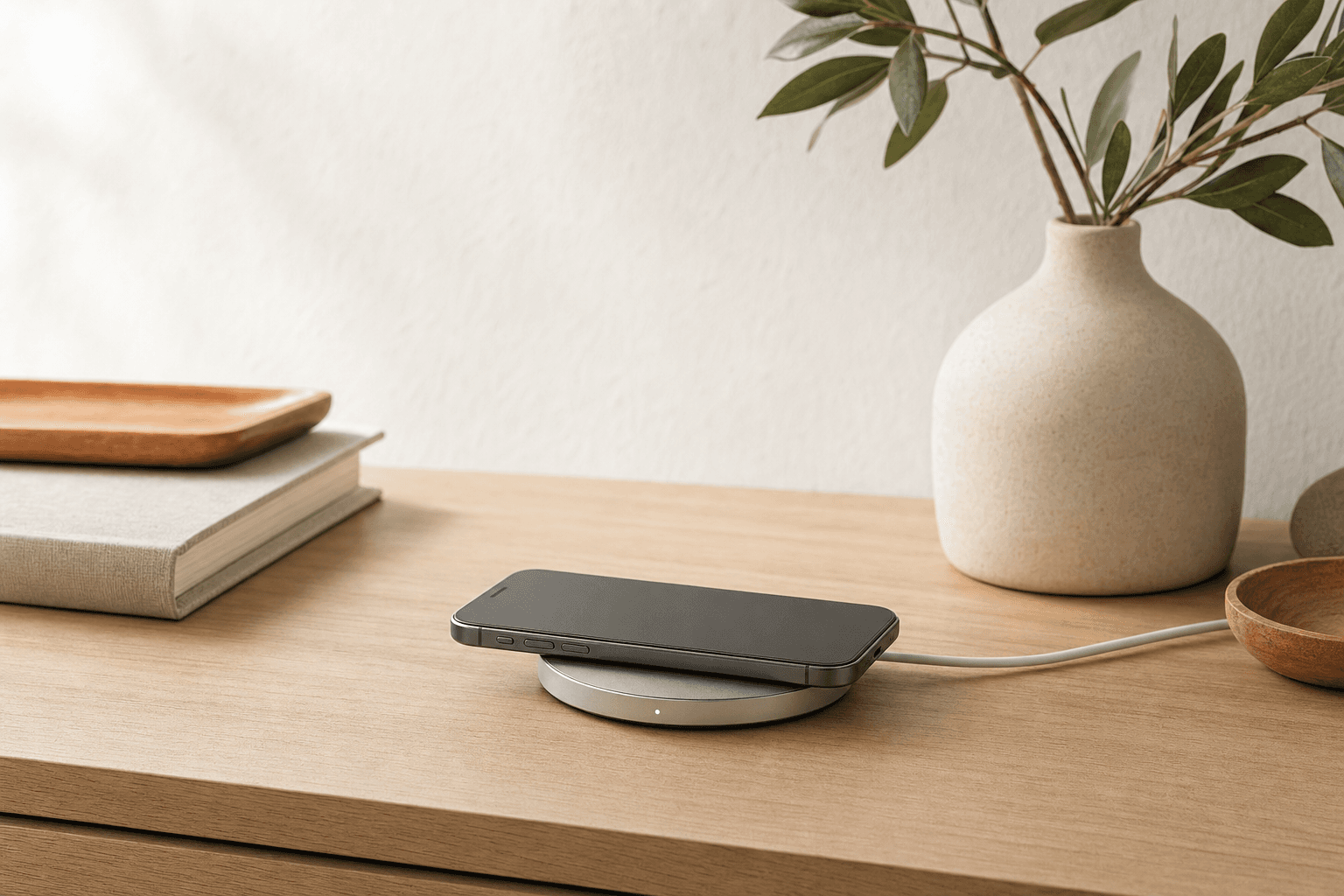
September 18, 2026
Wireless Charging Solutions for a Calmer, More Minimal Tech Setup
A practical minimalist guide to wireless charging solutions, from simple Qi pads to tidy 3-in-1 docks. Learn which chargers reduce clutter, which are worth the spend, and how to choose the right setup for your home, desk, or travel bag.
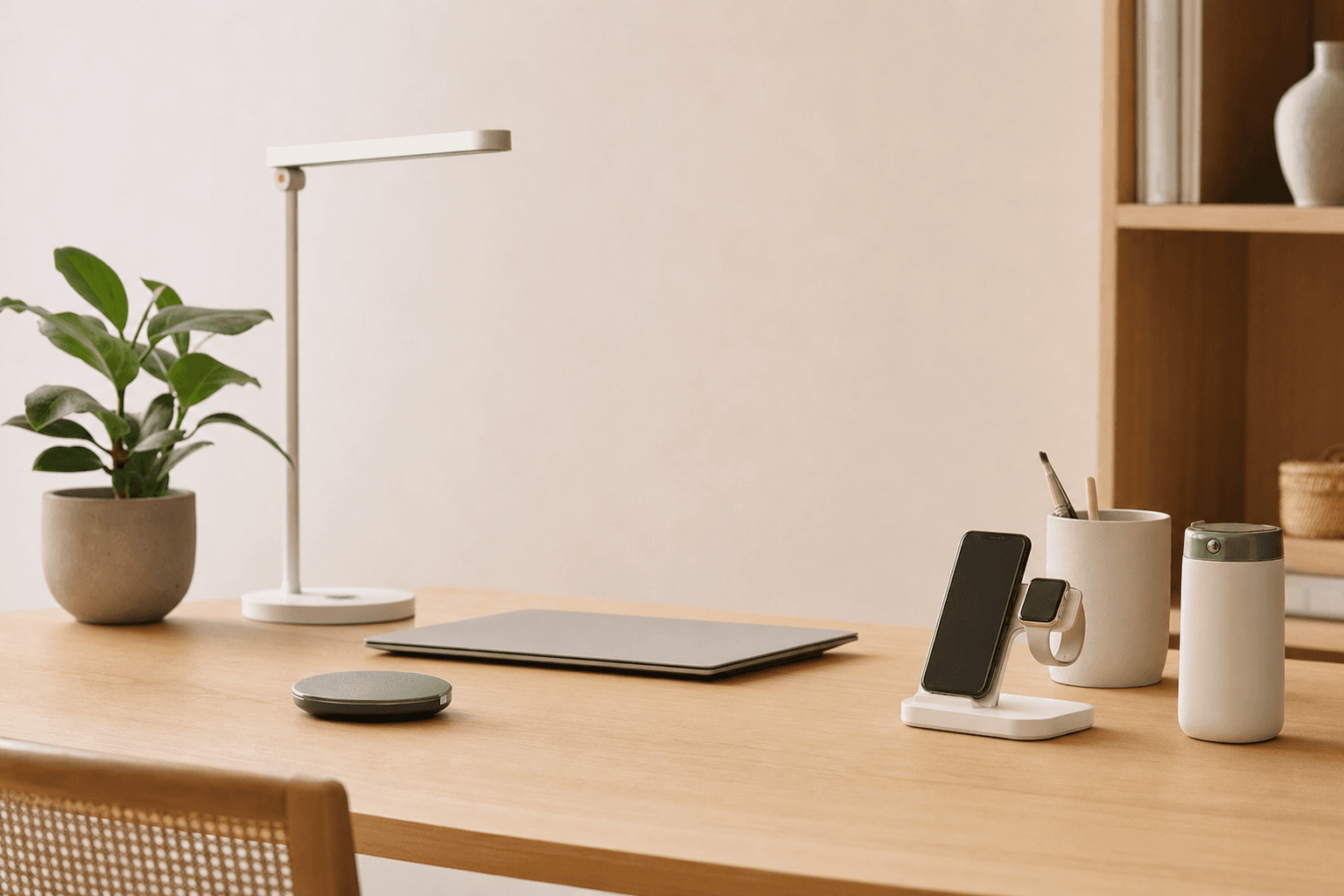
August 10, 2026
Affordable Productivity Gadgets for a Cleaner, Calmer Minimalist Workspace
A minimalist desk does not need more gadgets. It needs the right ones: compact, useful, affordable tools that reduce friction, visual clutter, and daily decision fatigue.
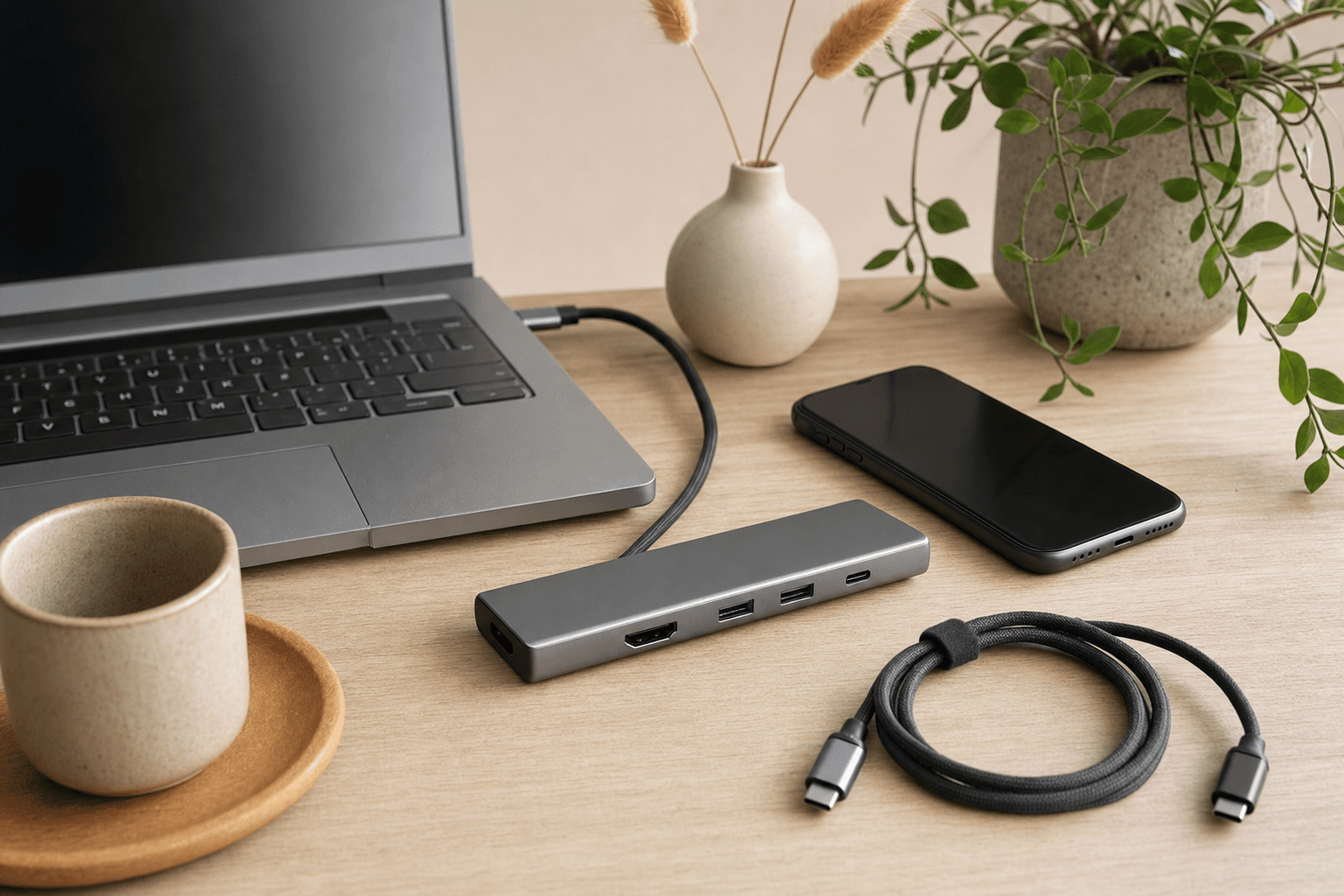
July 31, 2026
Quality USB-C Accessories for a Simpler, Smarter Tech Setup
A minimalist guide to choosing quality USB-C accessories that reduce clutter, improve daily workflow, and help you buy only what you truly need.
Enjoyed this article? Explore more minimalist recommendations.